LektoBox — the all-in-one platform for private tutors and language schools
Docs for notes, slides for the lesson, Wordwall for a quick quiz, YouTube for a video, another app to track who paid — tutors juggle five tools for every class. LektoBox brings your course, your live lesson and your payments into one place.
A course editor tutors actually enjoy.
Build modules and lessons visually, mixing formats freely inside a single lesson. Drop in whatever the topic needs and rearrange it in seconds — no fighting with the tool to get your content in.
- Drag-and-drop editor for modules, lessons and quiz steps
- Mix as many content blocks as you like inside one lesson
- Build a course once, reuse it with every student who enrolls
Turn practice into play.
Flashcards, matching, word order and sorting games run right inside the lesson, so new vocabulary sticks without feeling like homework. Swap a dry word list for games your students actually want to play — in class or on their own.
- Flashcards — A flashcard deck built straight from your course vocabulary.
- Match — Match words with their translation for a quick, playful review round.
- Word order — Drag words into the right order to build the sentence.
- Sort — Sort words into the right group or category.
Live rooms for real lessons.
Open any lesson as a shared room and invite your student in — one-on-one or with a whole group. You both see the exact same course material at the same time, built for real, interactive teaching, not a passive video call: move through the lesson live and keep everyone looking at the same material, not just watching you.
- One-on-one rooms for private lessons
- Group rooms for whole classes, same live view for everyone
- Invite a student in and you both see the same lesson material live, in sync
Payments and reminders that run themselves.
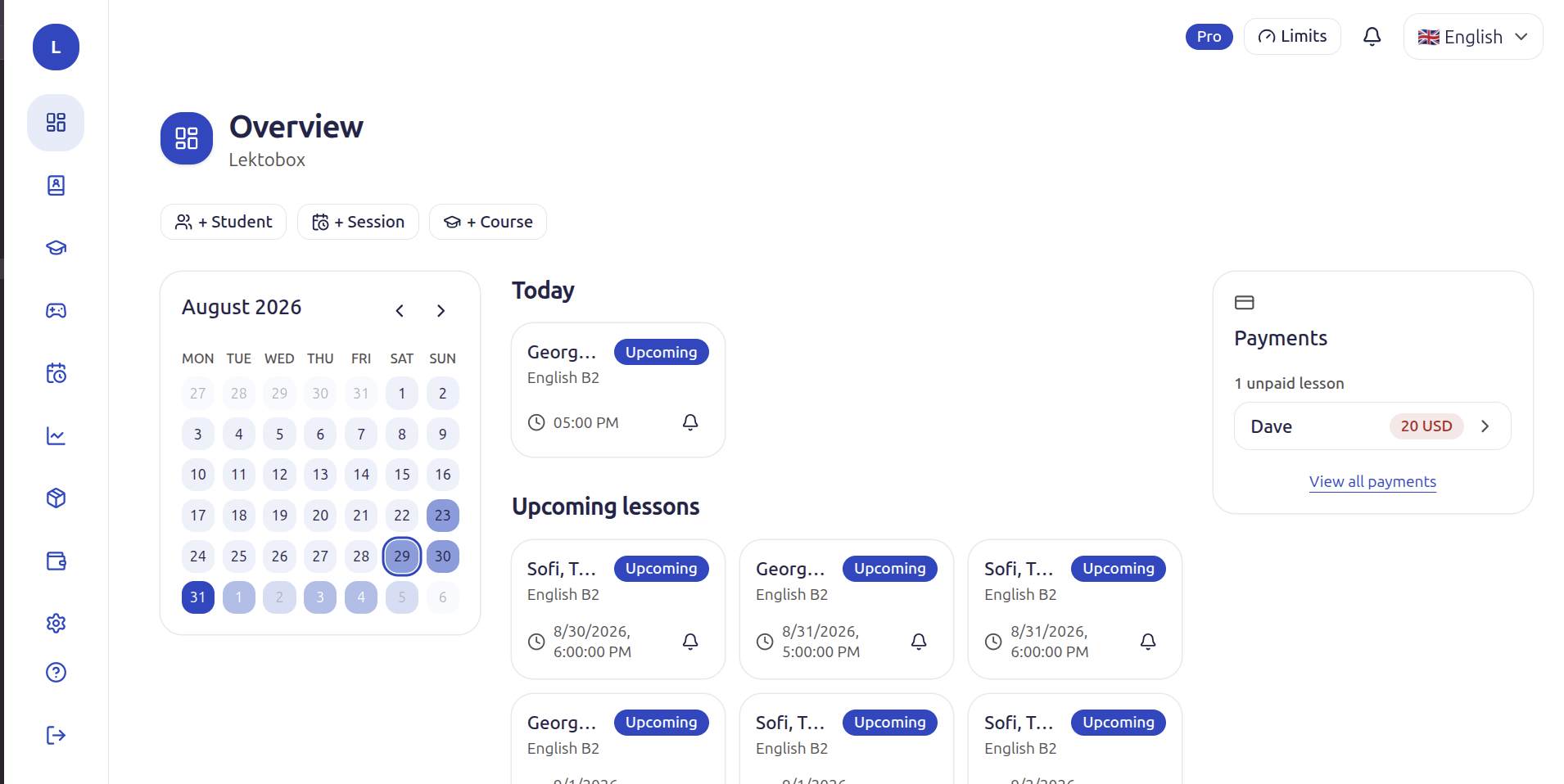
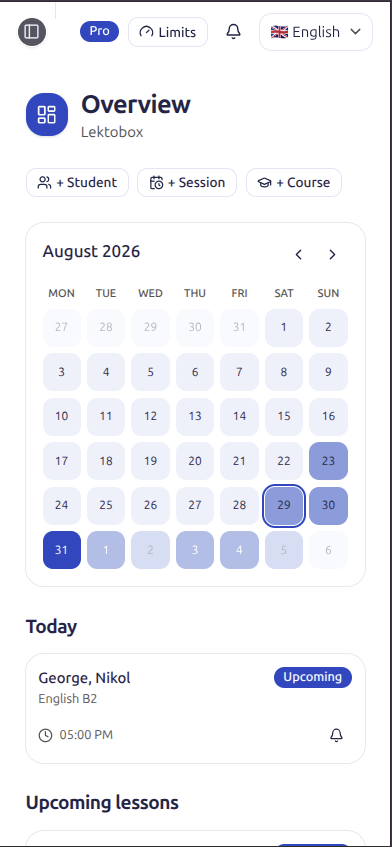
Track what every student owes without opening a spreadsheet. LektoBox handles per-lesson billing and subscription packages side by side, then keeps everyone in the loop automatically.
- Per-lesson or subscription — Charge one lesson at a time, or sell a package of lessons — LektoBox tracks usage and balance for both, automatically.
- Reminders that don't wait for you — Students get a reminder before every lesson, and a nudge the moment a payment is overdue — you never have to send it yourself.
- Synced with Google Calendar — Every lesson lands on your Google Calendar the moment it's booked, so you never risk double-booking a slot.
For English tutors, language schools, and every language you teach.
Prepping an IELTS student, running group classes at a language school, or teaching Spanish, French or German one-on-one — LektoBox adapts to your course content and your students, not the other way round.
Frequently asked questions
Is there a free plan?
Yes — you can start on LektoBox's free plan with no credit card required, and upgrade as your student list grows.
Do I still need Google Docs, Wordwall or Zoom next to LektoBox?
No. LektoBox replaces your course content, your live session and your quiz and game tools with one connected system, so you don't need five tabs open during a lesson anymore.
How does LektoBox handle payments?
However you charge: per single lesson or as a subscription package. LektoBox tracks usage and balance for both automatically, so you always know who's paid and who's overdue, without digging through chats or spreadsheets.
What kind of content can I put in a lesson?
Anything a language lesson needs: text, images, video, audio, quizzes, flashcard and matching-pairs games, and role-play games — mixed freely inside the same lesson.
Do I need to be technical to set this up?
No. If you can use Google Docs, you can use LektoBox — the course editor and the session room are both point-and-click.
Can I teach live online lessons, individually or in groups?
Both. Open any lesson into a live session room, one-on-one or with a whole group — everyone sees the same step in real time, with quizzes and progress tracked automatically.
Does LektoBox remind students and sync with my calendar?
Yes. Students get a lesson reminder automatically, plus a nudge when a payment is overdue, and every lesson syncs straight to your Google Calendar the moment it's booked.
Can I track my students' progress and revenue?
Yes — a single dashboard shows revenue and lesson counts for any period, your top students and best-selling course, plus course completion and quiz accuracy so you catch a struggling student early.
Ready to stop juggling five tools?
Bring your course, your live lessons and your student payments into one place. Create your account and try it today.